


UX design for AI products begins before the chat box. A useful experience tells people what the system can do, what information it uses, where it may fail, and what remains under human control.
A strong model can still become a weak product. Users face an empty prompt, confident output without evidence, vague agent approval, and a generic error after partial execution.
The design job is not making AI look intelligent. It is turning uncertain capability into a workflow people can understand, verify, correct, and safely use.
This guide covers chat, copilots, recommendations, generators, generative interfaces, agents, and the product-design work required to make them dependable.
UX design for AI products: the quick framework
Good AI UX stabilizes the interaction even when output varies.
| Stage | User question | Product responsibility |
|---|---|---|
| Value | Why use AI here? | Improve a real task or decision |
| Expectation | What can it do? | Show scope, limits, examples, and required data |
| Input | What should I provide? | Offer structure and request missing context |
| Output | What did it produce? | Separate results, evidence, assumptions, and suggestions |
| Verification | Why should I believe it? | Make sources and supporting context easy to inspect |
| Control | What can I change? | Support edit, reject, retry, undo, and manual alternatives |
| Action | What will happen? | Preview plan, permissions, target, cost, and impact |
| Recovery | What if it is wrong? | Contain damage and provide a useful fallback |
| Learning | How will it change? | Explain feedback, memory, personalization, and updates |

The goal is calibrated trust. Users should rely on the system where it performs well, verify it when needed, and stop or override it when the stakes exceed its reliability.
What makes AI product UX different?
Traditional software is mostly deterministic. AI systems infer, rank, predict, or generate, so output varies with data, context, models, tools, prompts, and policy.
Failures fall into three groups:
- Technical: A request, retrieval system, connection, or tool fails.
- Model: Context is weak or output is uncertain, incomplete, or unsuitable.
- Product: The feature solves the wrong problem, hides context, overstates certainty, or lacks control.
A fluent answer can be wrong, and an agent can complete four steps correctly before causing harm on the fifth. AI UX design must manage mental models, appropriate reliance, control, and changing behavior—not only usability.
1. UX design for AI products starts by confirming value
Begin with the user’s job, current workflow, pain, and outcome. Ask whether rules, search, filters, templates, conventional automation, or a clear form would be more reliable.
AI fits ambiguity, generation, classification, prediction, summarization, and flexible language when variability is acceptable. Avoid it when deterministic software is safer, faster, cheaper, or easier to explain.
Compare with the current baseline. If a summary saves two minutes but adds five minutes of checking, it has not improved the task. The first question in how to design an AI product is “Which user problem becomes meaningfully easier?”
2. Define success for the user and system
Measure the complete task, not only the response. Track task outcome, time saved after review, quality, correction effort, verification, control, and downstream business impact.
System measures depend on the job: groundedness, precision or recall, refusal quality, tool success, latency, cost, and partial failure.
Acceptance alone is dangerous. People may accept bad output because checking is hard or the interface looks authoritative. Track later edits, reversals, support issues, and mistakes. Technical evaluation shows behavior at scale; UX research shows whether people understand and use it safely.
3. UX design for AI products maps risk before screens
List false positives, false negatives, incomplete output, stale sources, unsafe content, permission errors, tool mistakes, and partial execution. Assess reversibility, reach, visibility, cost, and affected people.
- Low risk: Private, local, easy to inspect and undo
- Medium risk: Shared, visible, or expensive to correct
- High risk: Financial, legal, health, security, production, access, or public communication
Match autonomy to risk. A private writing suggestion needs little friction; an email to 500 customers needs exact review. NIST’s AI RMF provides a useful governance lens across reliability, safety, security, transparency, explainability, privacy, and fairness.
4. UX design for AI products chooses patterns by task

- Inline suggestion: Frequent help that is easy to ignore
- Copilot panel: Contextual support inside an existing workflow
- Chat: Open exploration and follow-up
- Structured generator: Known inputs and repeatable output
- Recommendation view: Options with reasons and evidence
- Agent workflow: Multi-step planning and tool use
- Generative UI: Contextual controls created during interaction
Chat is not universal. Dates belong in date controls and constrained choices in checkboxes or selects. NN/g’s current generative-UI examples show that basic controls can reduce retyping and memory burden in chat. Good AI interface design fits AI into the task.
5. Set the right mental model early
Explain the benefit, AI’s role, supported tasks, limits, required information, data use, and where review remains necessary. Show examples and counterexamples.
Distinguish generation from retrieval and a recommendation from a confirmed decision. Avoid human-like framing that implies authority the system lacks.
Google’s People + AI Guidebook recommends calibrating trust through capability, limitation, data-source, and explanation cues across the experience—not one disclaimer. Let users learn through a safe, reversible task.
6. Solve the blank-canvas and context problem
An empty prompt transfers planning work to the user. Offer starter actions based on real jobs, examples, templates, defaults, and recent work. Ask focused clarifying questions and use structured controls for dates, roles, records, format, and other constrained input.
Show accessible context: current page, selected records, attached files, workspace knowledge, memory, and external sources. Let users inspect and remove it. Hidden context can produce irrelevant output or make personalization feel invasive. Transparent context improves human-AI interaction.
7. Structure output for use
Match output to the job: editable draft, comparison, checklist, table, diff, preview, or proposed action. Separate the result from evidence, assumptions, missing information, warnings, and next steps.
Support granular refinement so users can change one field, paragraph, or record without starting over. Preserve useful versions. Mark AI-generated or modified content when that knowledge affects judgment or approval.
Strong UX design for AI products helps people use the result instead of admiring a long wall of fluent text.
8. UX design for AI products makes verification practical
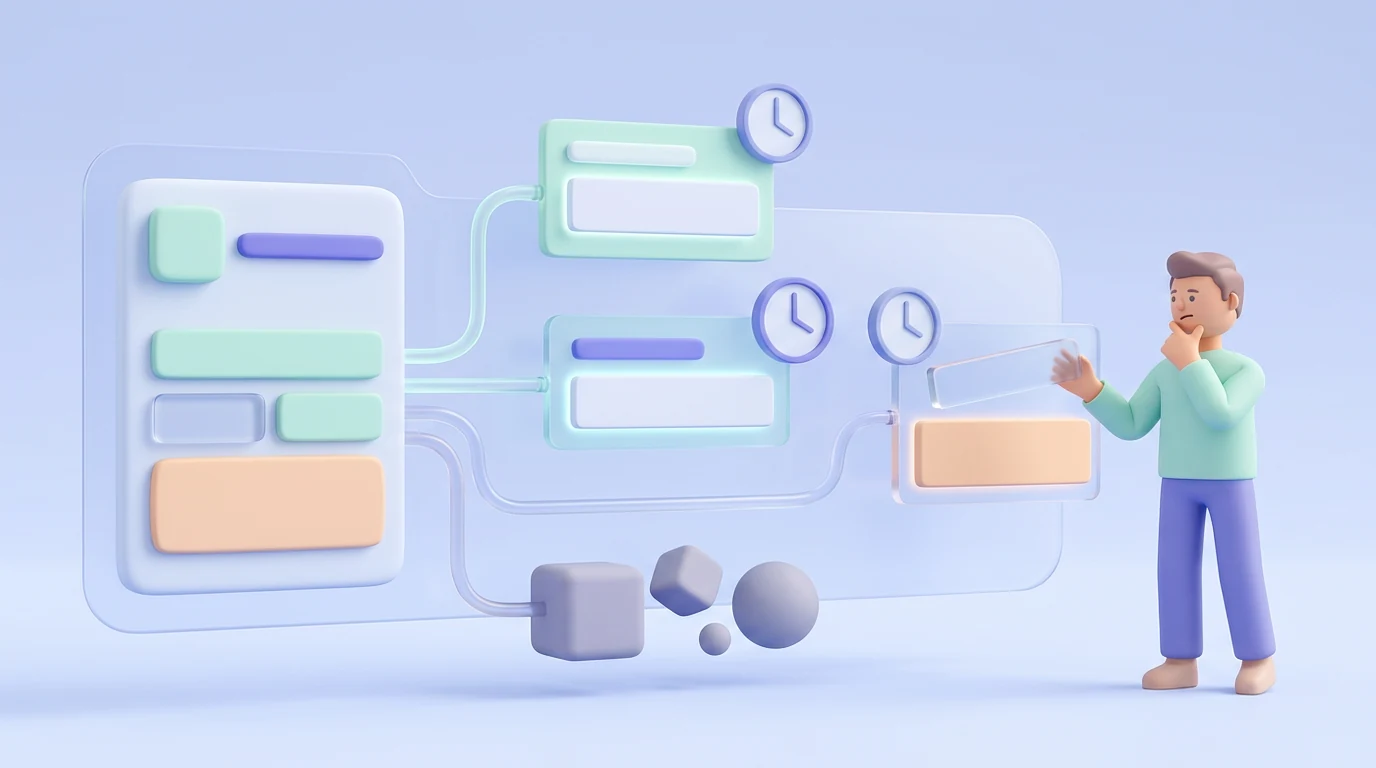
Place evidence near the claim or field it supports. Show source links, quoted regions, timestamps, selected records, and calculation inputs where relevant. Let users inspect surrounding context.
Citations can be fabricated, stale, irrelevant, or unsupported. Their presence may increase trust even when nobody opens them. Use progressive disclosure and prefer provenance over an unexplained confidence score.
For high-stakes extraction, place the generated value beside the source region with accept and correct controls. A trustworthy AI UX reduces the work required to check important output.
9. Communicate uncertainty according to stakes
A confidence percentage is not a universal answer; users may not know what it measures, and model confidence is not factual correctness.
Use plain-language uncertainty, missing-context cues, alternatives, ranges, evidence quality, or a request for more input. Highlight the exact part needing review. Reduce scope or refuse when evidence cannot support the task.
Prompt verification when consequences are serious. Avoid constant warnings for low-stakes creative work. Test uncertainty patterns because they can reduce overreliance, cause undertrust, or slow the task.
10. UX design for AI products preserves meaningful control
Users should be able to invoke or dismiss AI, edit input and context, accept or reject individual suggestions, stop generation, compare versions, undo, retry, and return to a manual path.
Provide controls for memory, personalization, and connected tools. Explain what feedback changes and when. A thumbs-down button is weak if users cannot correct the current result.
Manual work should remain a first-class fallback. Assistance must be easy to use and easy to ignore.
11. UX design for AI products makes agent actions inspectable

Before execution, show intent, plan when useful, required tools and data, target, quantity, cost, visibility, and impact. Scope permissions narrowly.
During execution, show the current step and allow safe pause or cancellation. If some steps finish, identify completed, failed, and remaining work.
Require approval before sending, spending, publishing, deploying, deleting, or changing access. Show the exact payload—not only “Continue.” Afterward, provide a receipt, links to affected items, failures, audit history, and any undo window.
Specialist AI product design helps teams map these permissions, approvals, partial states, and recovery paths before engineering commits to a fragile workflow.
12. Design graceful failure
Distinguish connection failure, safety refusal, unsupported task, weak context, missing sources, uncertain output, tool failure, timeout, and partial execution.
Preserve input and completed work. Explain the situation plainly and offer a path: add context, edit, choose an alternative, retry, use the manual flow, or reach a person.
Do not loop through regeneration when the task is unsupported. Track failure patterns; they reveal onboarding gaps, retrieval problems, missing tools, and work the model should not attempt.
13. Make memory and personalization visible
Explain what is remembered, its source, its effect, and how to change or delete it. Separate session context, saved preferences, workspace knowledge, and inferred behavior.
Let users correct assumptions and reset personalization. Apply existing data permissions; access to AI must not expand access to records. Notify people when a meaningful model or capability update changes behavior. Personalization should feel useful, not reveal private or unrelated context unexpectedly.
14. Design latency and progress honestly
Show useful, accurate states such as retrieving sources, preparing a plan, waiting for permission, using a tool, executing, and verifying. Stream output when partial content helps, show steps for long work, and allow cancellation.
Do not invent precise percentages. Let people work elsewhere during long tasks and notify them on completion. Power users may need controls that balance quality, speed, and cost.
15. Build accessibility into dynamic AI interactions
Prompts, output, sources, diffs, approvals, and agent updates need keyboard and assistive-technology access. Announce dynamic status without reading every streamed token, and preserve focus after regeneration.
Provide alternatives to voice, drag, hover, color, animation, and visual-only evidence. Generative UI should use tested components rather than invent controls. Test AI interface design with disabled users, including verification, correction, approval, and recovery.
16. Treat privacy, fairness, and safety as product experience
Explain collection, retention, training use, connected sources, permissions, and administrative visibility. Minimize data and warn before sensitive information enters an unsupported flow.
Test patterned failures across relevant roles, languages, expertise, and accessibility needs. Provide reporting, correction, appeal, and human escalation. A disclosure does not prove safety or fairness. UX must work with model, product, security, privacy, legal, and governance teams because the interface is where policy becomes experience.
Create reusable AI patterns in the design system
Add patterns for prompt input, clarification, streaming, generated output, evidence, context inspection, refinement, feedback, tool actions, approval gates, agent progress, failure, receipts, and audit history.
Document content, behavior, accessibility, permissions, risk boundaries, and technical states—not only appearance. Keep AI surfaces connected to the wider product rather than creating a separate novelty style. See Imdshakil’s SaaS product design guide for the broader system.
Test UX design for AI products across variable behavior

Test correct, partial, wrong, uncertain, irrelevant, refused, slow, tool-failed, and partly executed outcomes—not one selected response.
Use Wizard-of-Oz prototypes before the full model exists. Observe prompt formation, interpretation, evidence use, correction, reliance, and recovery with novices and experts. Red-team high-impact failures and test accessibility across dynamic states. Study repeated use as trust changes over time.
Microsoft’s appropriate-reliance guidance warns that explanations and uncertainty cues can backfire. Combine user research with model evaluation and production monitoring.
Measure genuine usefulness
Track task and decision outcomes, not the amount of generated content.
Useful measures include:
- Task success versus the manual flow
- Time saved after verification and correction
- Acceptance followed by editing or reversal
- Source inspection and verification accuracy
- Recovery from wrong or failed results
- Refusal and fallback success
- Tool completion and partial failure
- Understanding of capability and limits
- Appropriate reliance and perceived control
- Accessibility and fairness outcomes
- Latency, cost, retention, and support burden
Prompts sent, words generated, and feature clicks are activity measures. They do not prove that the AI improved the work.
What an AI SaaS product-design engagement should include
A serious engagement covers the target task, evidence that AI adds value, capability boundaries, interaction choice, data and permission maps, failure and autonomy controls, variable prototypes, evidence and correction patterns, AI components, usability testing, handoff, and post-launch measurement.
Imdshakil’s SaaS Application Design service connects product thinking with user flows, clickable prototypes, UI, systems, and developer-ready specifications. If the model works but the experience feels unclear or unsafe, this process turns scattered requirements into a testable workflow before expensive implementation.
Common AI product UX mistakes
- Adding chat without a specific user job
- Describing model technology instead of user value
- Leaving users with an empty prompt box
- Hiding context, memory, or data access
- Returning long unstructured output
- Using citations that are hard to inspect
- Showing confidence scores without meaning
- Applying one generic disclaimer to every result
- Omitting edit, reject, undo, and manual paths
- Asking for vague agent approval
- Hiding partial execution
- Using one error message for every failure
- Measuring acceptance without later correction
- Testing only strong model responses
- Treating privacy, bias, and accessibility as legal copy
Frequently asked questions
What is UX design for AI products?
It creates useful, understandable, controllable, and recoverable experiences around probabilistic models and automated actions.
How is AI UX different from normal SaaS UX?
AI adds variable output, uncertainty, hidden context, changing behavior, model limitations, and overreliance risk.
Should every AI product use chat?
No. Inline suggestions, generators, recommendations, copilot panels, and agent workflows may fit specific tasks better.
How should an interface show uncertainty?
Use evidence, missing-context cues, alternatives, ranges, plain language, selective confidence, or verification prompts according to stakes.
How do you prevent overtrust?
Set realistic expectations, ease verification, preserve control, and test whether people accept correct output while rejecting mistakes.
When should an agent require approval?
Before actions that are hard to reverse, spend money, contact people, publish, deploy, delete, change access, or create material risk.
How do you test AI product UX?
Test varied output, mental models, evidence use, correction, recovery, repeated use, accessibility, and high-impact failures alongside model evaluation.
Final recommendation
Good UX design for AI products does not maximize trust. It helps people know when to rely on the system, when to verify, how to correct it, and when to stop.
Begin with one valuable task. Design the full experience from context and expectation through evidence, control, action, failure, and recovery. Model quality, interface behavior, risk controls, and product operations must work together.
If your team has an AI model, API, or prototype but lacks a dependable product workflow, explore Imdshakil’s SaaS Application Design service or discuss your AI product.

